GuideRead-only · what is sent
Safety and privacy: what D4 Builder does and does not do
D4 Builder is built to only look at the screen and never touch the game. This article states plainly what the app does, what it deliberately does not do, and which information leaves your Mac.
It only reads the screen
The only thing D4 Builder takes from the game is the pixels of its window.
- It captures only the game window with the standard macOS capture (ScreenCaptureKit). The mouse cursor is left out of the capture.
- It captures at most two frames per second while the screen changes, and checks less often when it does not.
- Captures are processed on your Mac only and never sent to a server.
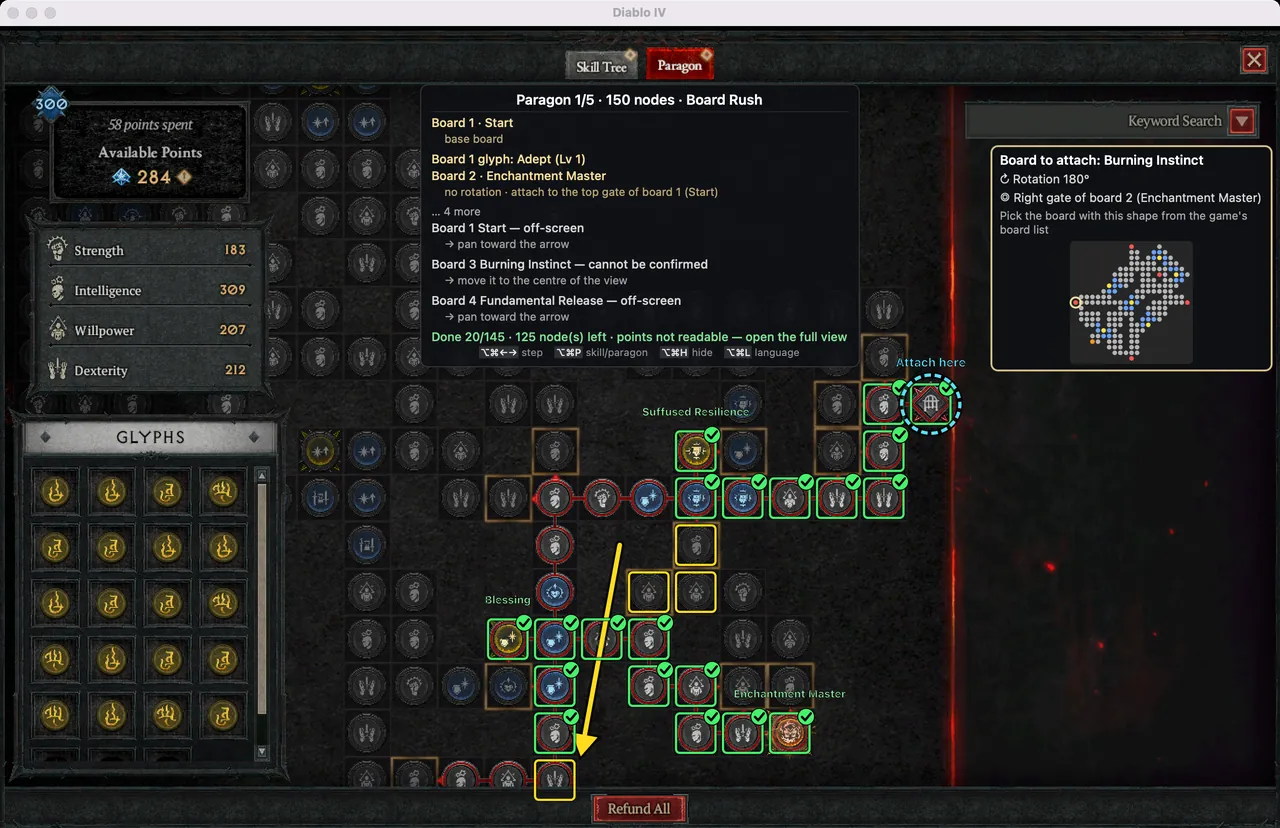
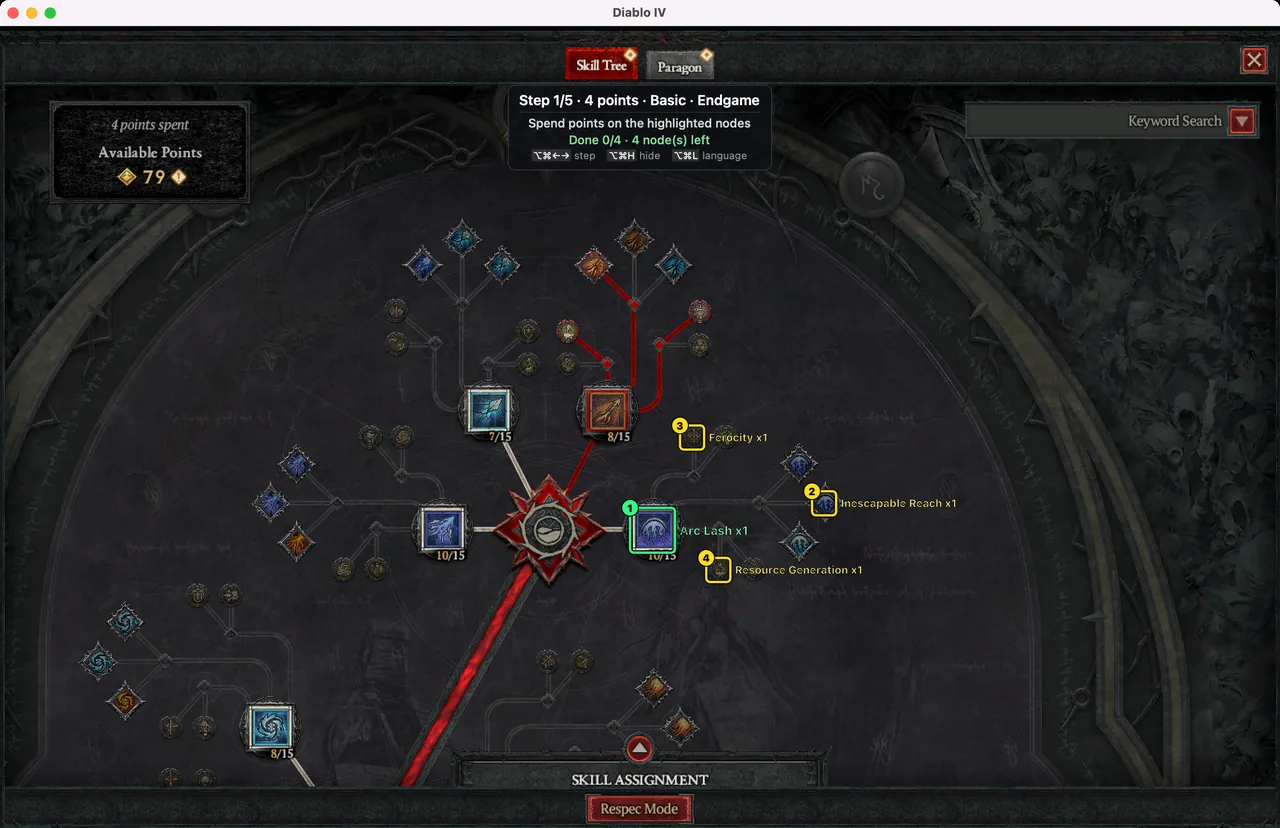
- The guide is drawn in a transparent, click-through window over the game. Clicks and keys go to the game as usual, and the app's window never ends up in the capture.
It is the same OS feature OBS and Discord screen sharing use, hence the Screen Recording permission, which you can turn off in System Settings at any time.
On Windows
The Windows version follows the same rules.
- It captures only the game window with the standard Windows capture, Windows Graphics Capture. Only on a PC where that does not work does it fall back to other standard Windows capture calls (PrintWindow, BitBlt). There is no permission to grant.
- Captures are processed on your PC only; temporary frame files stay in
%TEMP%\D4Builder. - Logs and settings stay in
%LOCALAPPDATA%\D4Builderand are never sent automatically. The app connection key is stored encrypted with Windows DPAPI, readable only by your Windows user. - The guide is drawn in a click-through, transparent window as on the Mac, and the only hotkeys are the Ctrl+Alt combinations the app registers for itself. The process shows up in Task Manager as ‘D4 Builder’.
What it deliberately never does
None of the things anti-cheat systems usually look for are in the app.
| Never | Meaning |
|---|---|
| Read or change game memory | It never opens the game process. |
| Inject code or hook | No code goes into the game; no input is intercepted. |
| Automate input | It sends no clicks or keystrokes. You take every node yourself. |
| Hide or disguise | No renamed process, hidden window, anti-cheat detection or bypass. The process and the window are both called ‘D4 Builder’. |
This is checked in code. On every build an audit script (scripts/audit_readonly.sh) fails the build if the app or the core uses input synthesis (CGEventPost, CGEventCreateMouseEvent, CGEventCreateKeyboardEvent), other-app control (AXUIElementPerformAction), process access (task_for_pid) or input interception (CGEventTapCreate). The same script checks the Windows code for input synthesis (SendInput), game memory access (ReadProcessMemory) and hooks.
The risk is still not zero
Blizzard's terms broadly forbid ‘unauthorised third-party software’. Whether an overlay that reads the screen and only gives directions falls under that is a grey area, and nobody can guarantee Blizzard's view. D4 Builder is an unofficial fan tool; using it, and any action taken on your account, is your responsibility.
- The Windows version follows the same rules: it shows up under its real name in the process list, never touches the game process, and does not use
SendInput,ReadProcessMemory, code injection or hooks. - For anyone who wants even less risk, a companion mode that shows the guide on a second monitor or a phone is planned (not available yet).
What the app sends and receives
| When | With | What |
|---|---|---|
| Importing a build | The build site of the pasted link | Downloads that build's public data (skills, Paragon, gear) |
| When game data is needed | Public game data files | Downloads skill and node names and tree layouts, stored on your Mac (or PC on Windows) |
| At launch and once a day | This site (/app/releases.json) | Checks for a new version and its release notes |
| At launch and every 24 hours | The account server (Supabase) | Checks the connection key; one usage record per day (date, key, app version, OS), deleted after 400 days |
| Only when you press Send | The account server (Supabase) | Error reports and feedback (what they contain) |
Game screens, captures, files and logs are never sent anywhere. The app has no ads.
The Windows app works the same way, with one addition: Export diagnostics. It writes a zip on your PC with versions, monitors and scaling, the game's display mode, the capture method and its timings, the last 200 log lines and the last list of drawn guide boxes (plus one capture of the game window only if you tick it). It reaches the operator only if you upload it yourself; the app never sends it by itself.
Questions people ask
Can Blizzard see it in the process list?
Yes. D4 Builder does not hide; it shows up under its own name, ‘D4 Builder’. Disguise and detection bypasses were left out on purpose. How Blizzard judges that cannot be guaranteed.
Could my account be banned?
The risk is not zero. There is no memory access, code injection, hooking, input automation or evasion, but whether the terms allow it is a grey area and using it is your responsibility. If you want less risk, waiting for the planned companion mode is an option.
Does the overlay slow the game down?
It captures at most two frames per second while the screen changes and checks less often when it does not. In testing on the real game during development, clicks went through normally and no stutter was noticeable. Macs differ; if you are worried, hide the overlay with ⌥⌘H or quit the app.
Seeing and deleting your data
Sign in on the account page and press Delete my data to remove your D4 Builder membership, app keys, usage records and the error reports and feedback sent from your linked app right away. What is collected, how long it is kept and who processes it are all in the privacy policy.
The guide pages of this site may show Google AdSense ads. The cookies those ads use, and how to control them, are covered in the privacy policy too.