GuideUsing the Windows and macOS app
D4 Builder guides
Everything you need from the first install of D4 Builder to the last node of your Paragon board, in one place. Every article is written against the app's actual behaviour and on-screen wording.
All guides
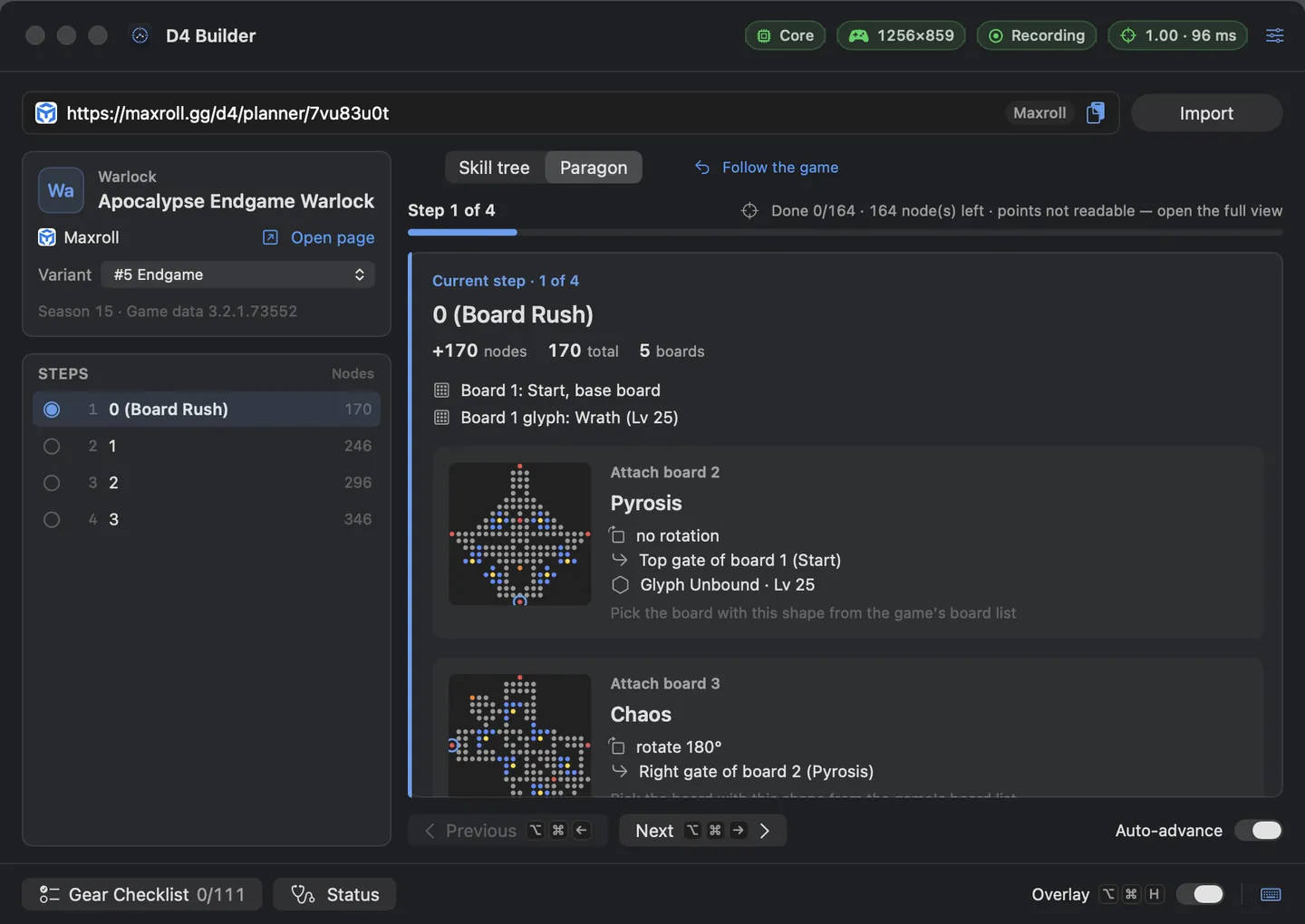 Getting started with D4 Builder on Mac: from install to your first overlayRequirements, the self-signed first launch, Screen Recording, the app connection key and importing a link from a supported site.
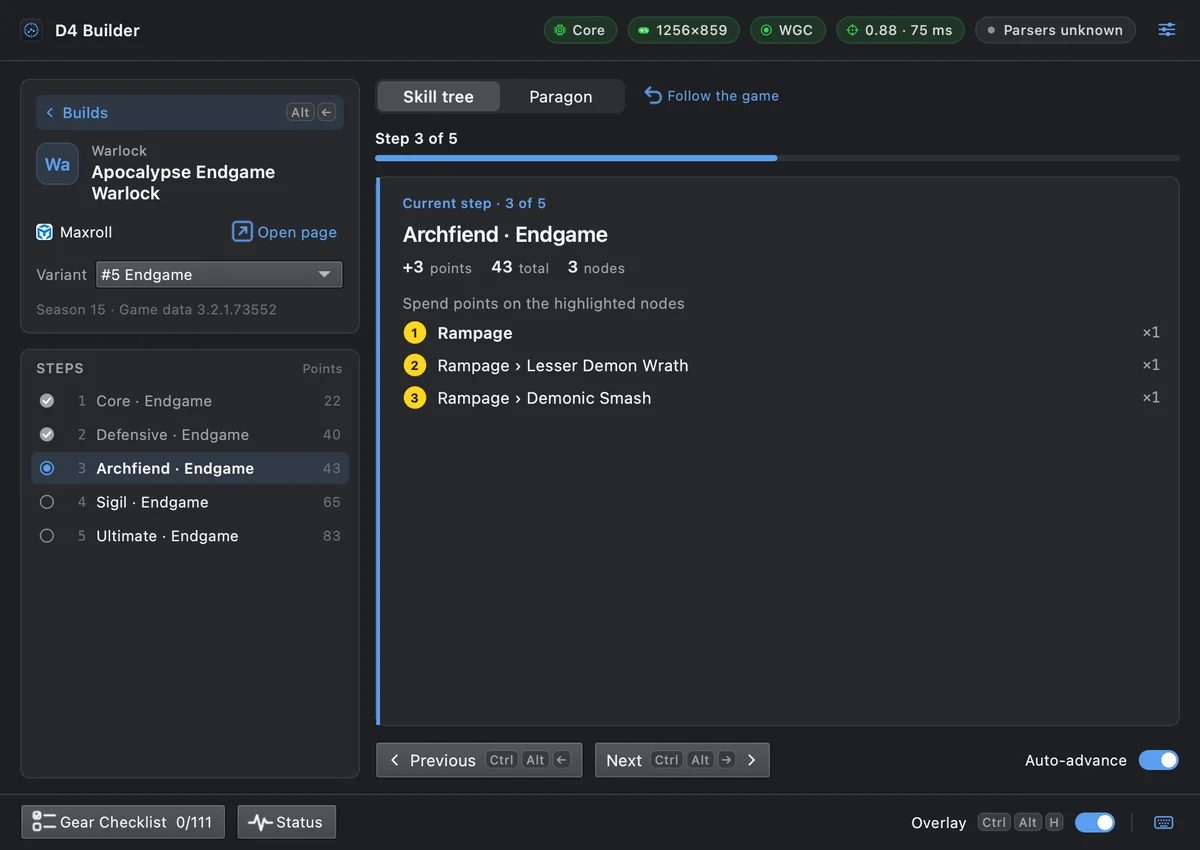 Getting started with D4 Builder on Windows: install, display mode, hotkeysThe official Windows version: installing past the SmartScreen warning, borderless windowed vs. windowed, the tray icon and the Ctrl+Alt hotkeys.
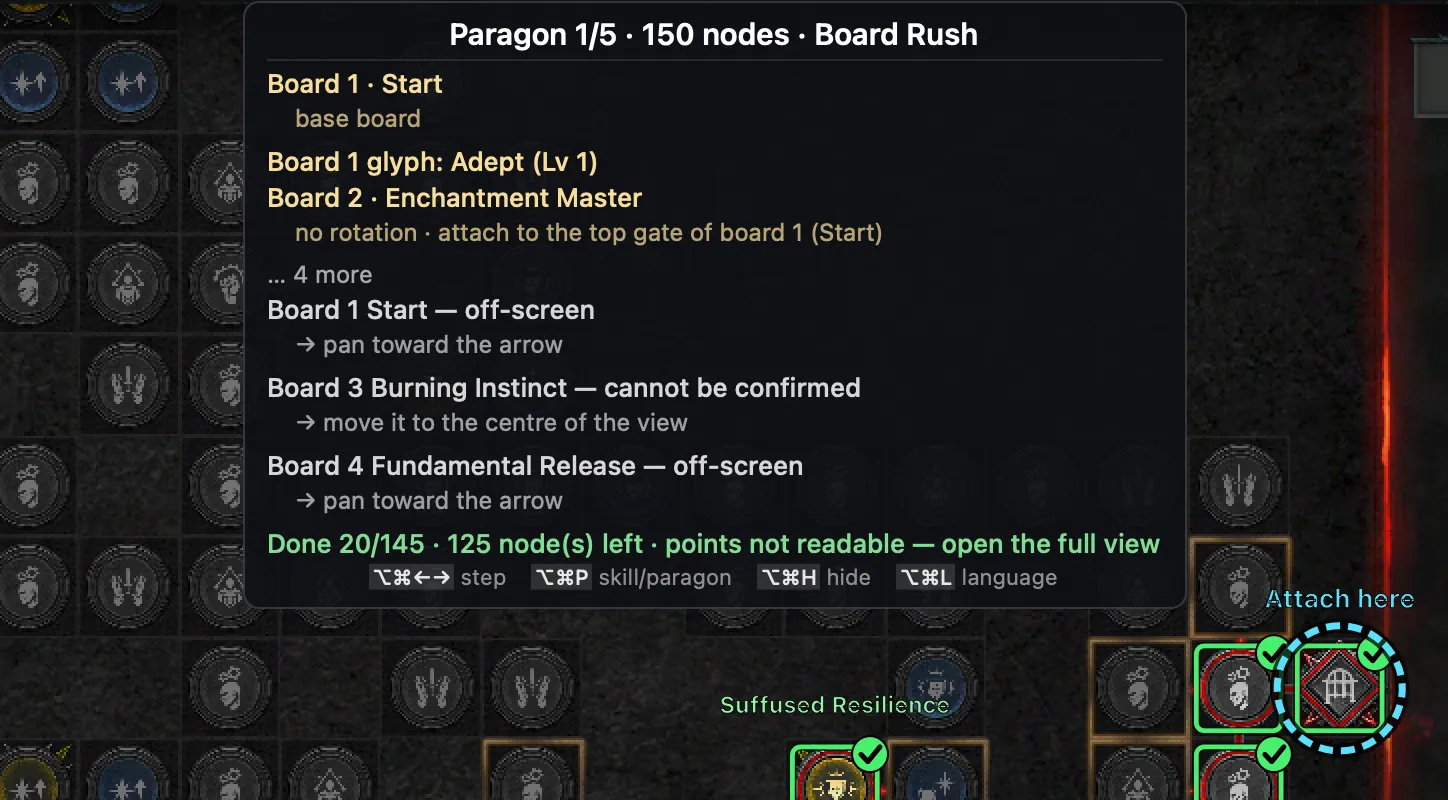
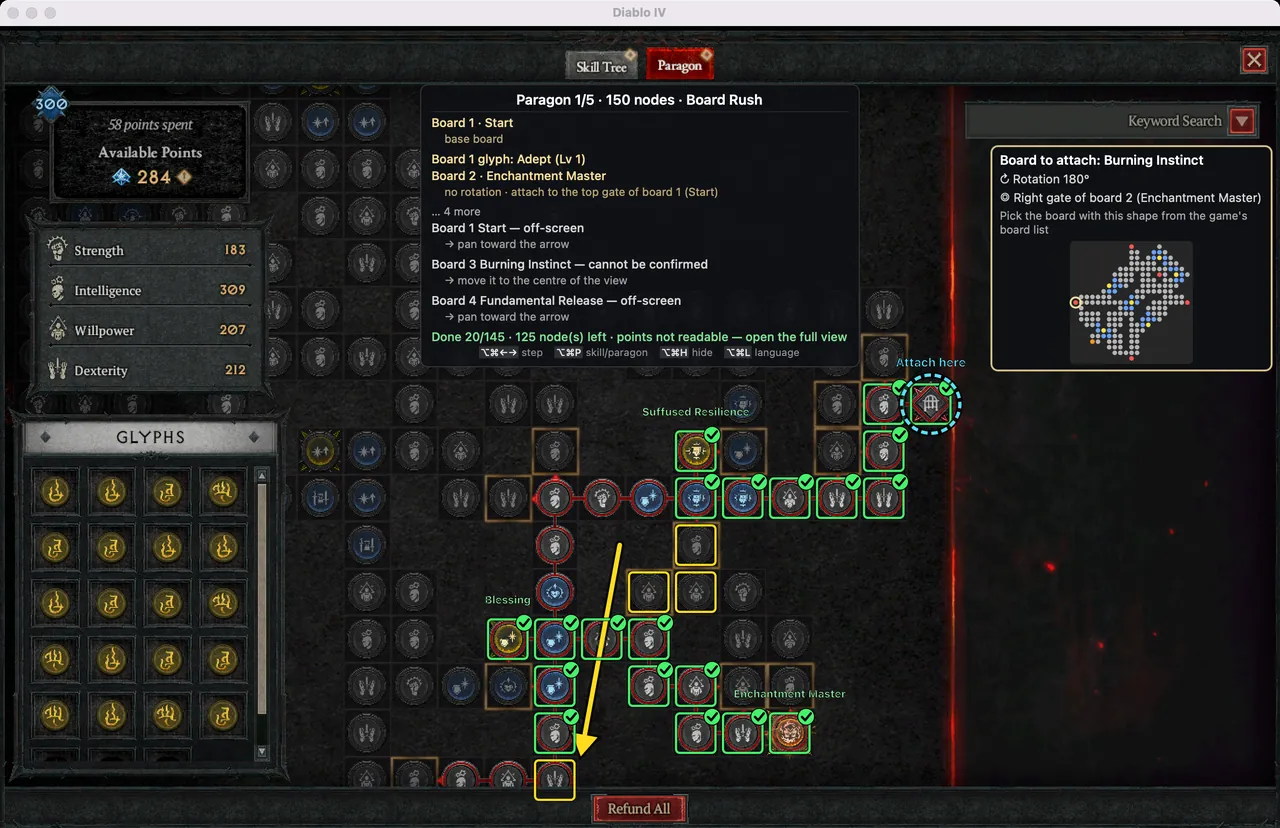 Paragon board guide: attaching boards, ‘Rotate Board’ presses and glyphsWhat the boxes, checks, arrows and ‘Attach here’ rings mean, board preview verdicts, counting ‘Rotate Board’ presses, and glyphs.
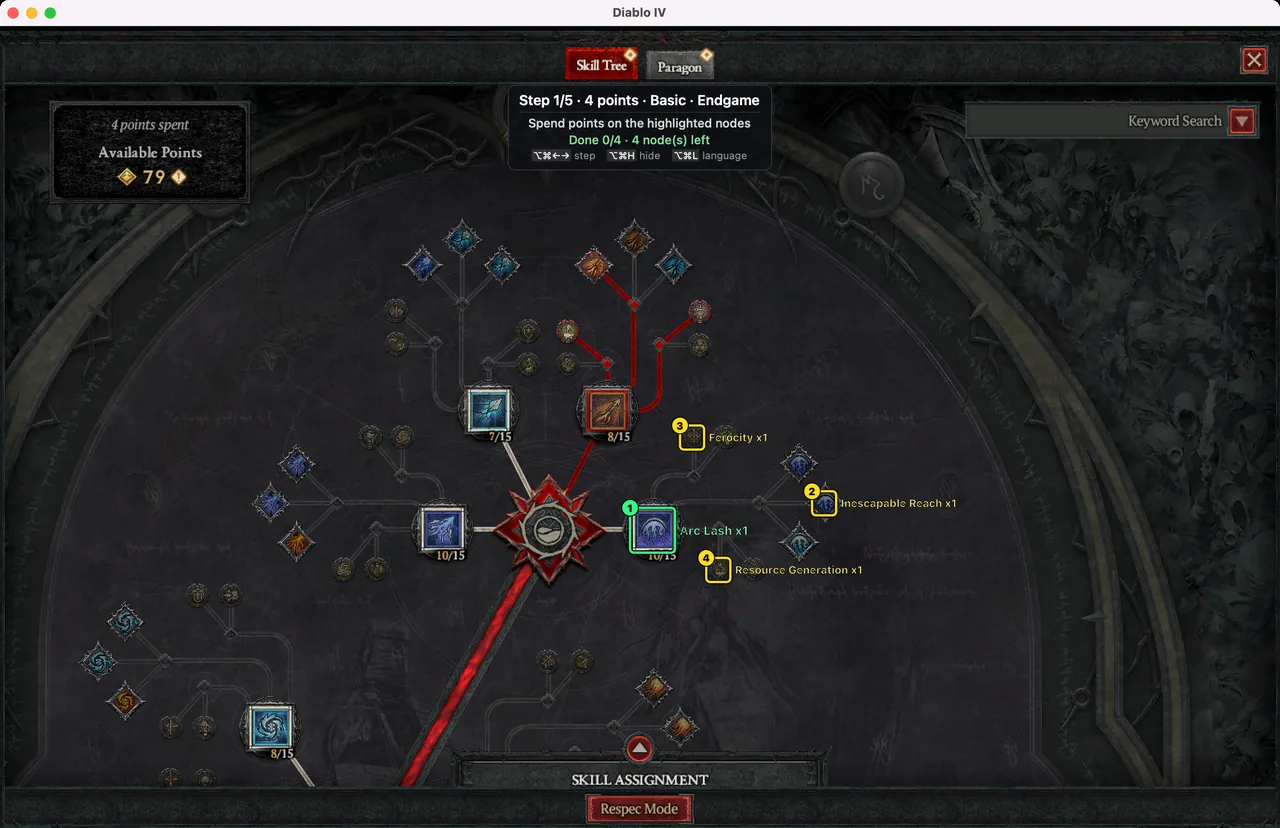 Reading the skill tree guide: steps, the points counter and box coloursHow steps are made, what yellow, green and red boxes and checks mean, and the rules of the points counter and auto-advance.
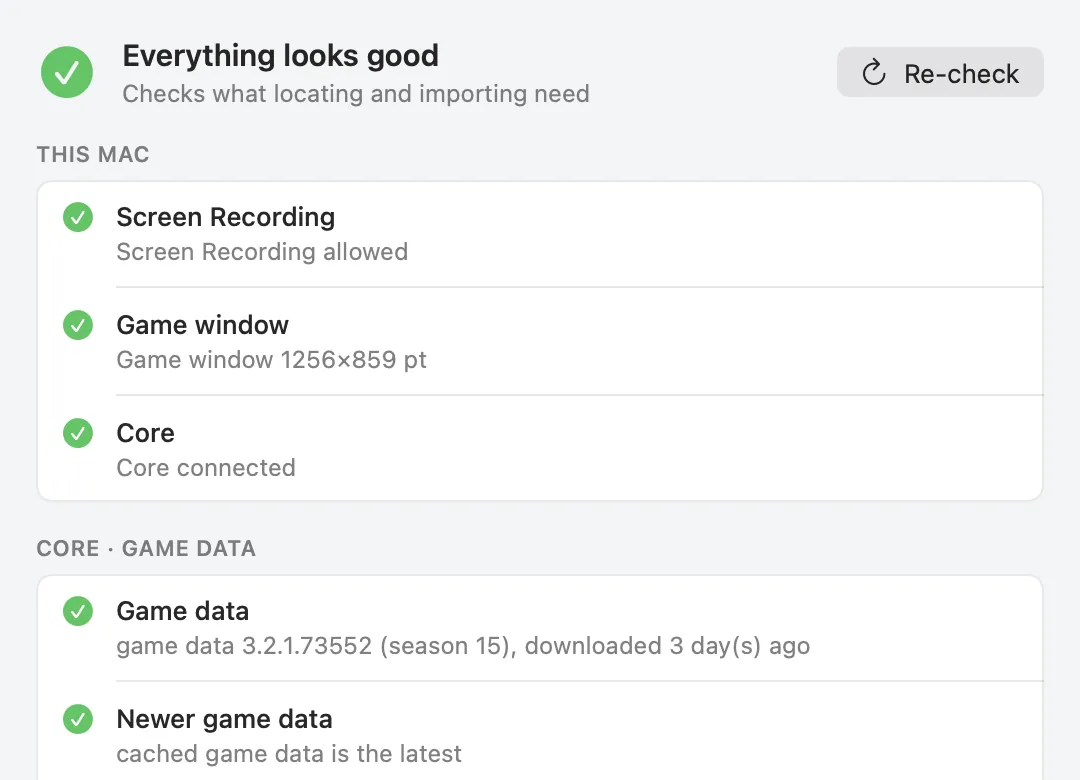 When recognition fails: tips and troubleshooting for D4 BuilderThe status panel, windowed mode and size, Retina and resolution, Korean and English clients, fixes per message, error reports and feedback.
 Safety and privacy: what D4 Builder does and does not doThe capture-only, read-only design, what it never does and how that is checked, the remaining risk, and what the app sends.
About these guides
These articles are written by the developer of D4 Builder about how the app works. Every screenshot is D4 Builder's own drawing over a real game capture, and quoted text is what the app actually shows. When the app changes, the guides are updated with it.
D4 Builder imports build links from Maxroll, Mobalytics, D4Builds, InfinityBuilds and D2Core. To see which builds are recommended most today, use the separate Top builds page; the app itself and the download are on the home page. Spotted a mistake or have a question? Send feedback.